Fee mode
When membership fee is on, discounts apply only while validUntil is paid. Badges on the till show status at a glance.
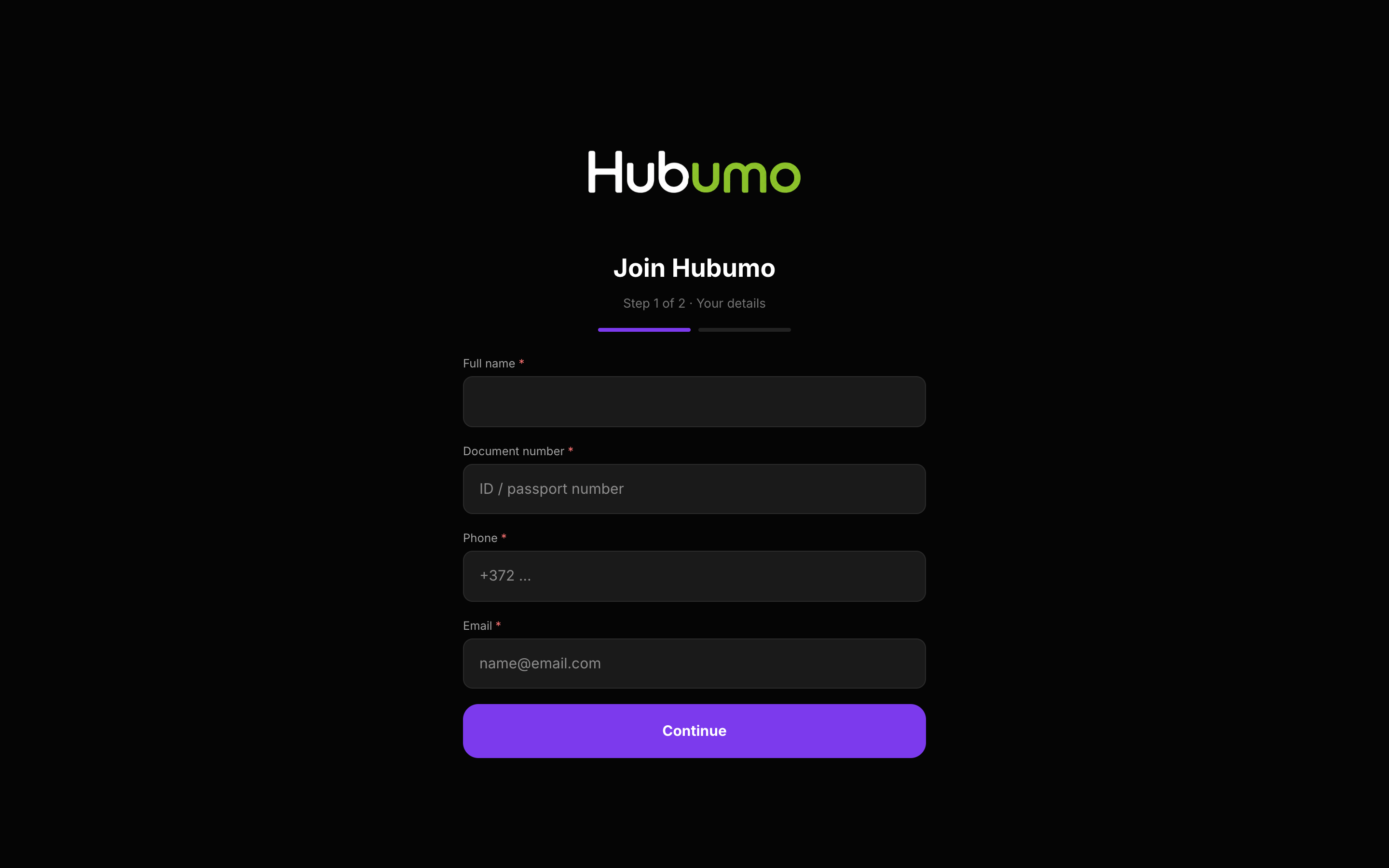
Membership fee mode gates discounts while validUntil is paid, with green/orange/red badges on POS. Join terms & on-screen signature live in Settings. Creating a member on POS/Manager shows a phone QR for guided ID photos.
Concrete capabilities from the live Hubumo build — not a generic feature list.
When membership fee is on, discounts apply only while validUntil is paid. Badges on the till show status at a glance.
Terms text in Settings requires agree + signature. Till create shows a QR so a phone captures front/back ID without a camera on the POS.
Membership fee + Join terms as needed.
Guest Join, or staff create + phone QR.
Members → Pending → Approve.
Real Hubumo screens from this module — each image shows a distinct workflow, not a repeated shot.
Tell us about your venue, your locations, and what you want to improve. A member of the Hubumo team will contact you shortly.