Ticket check-in
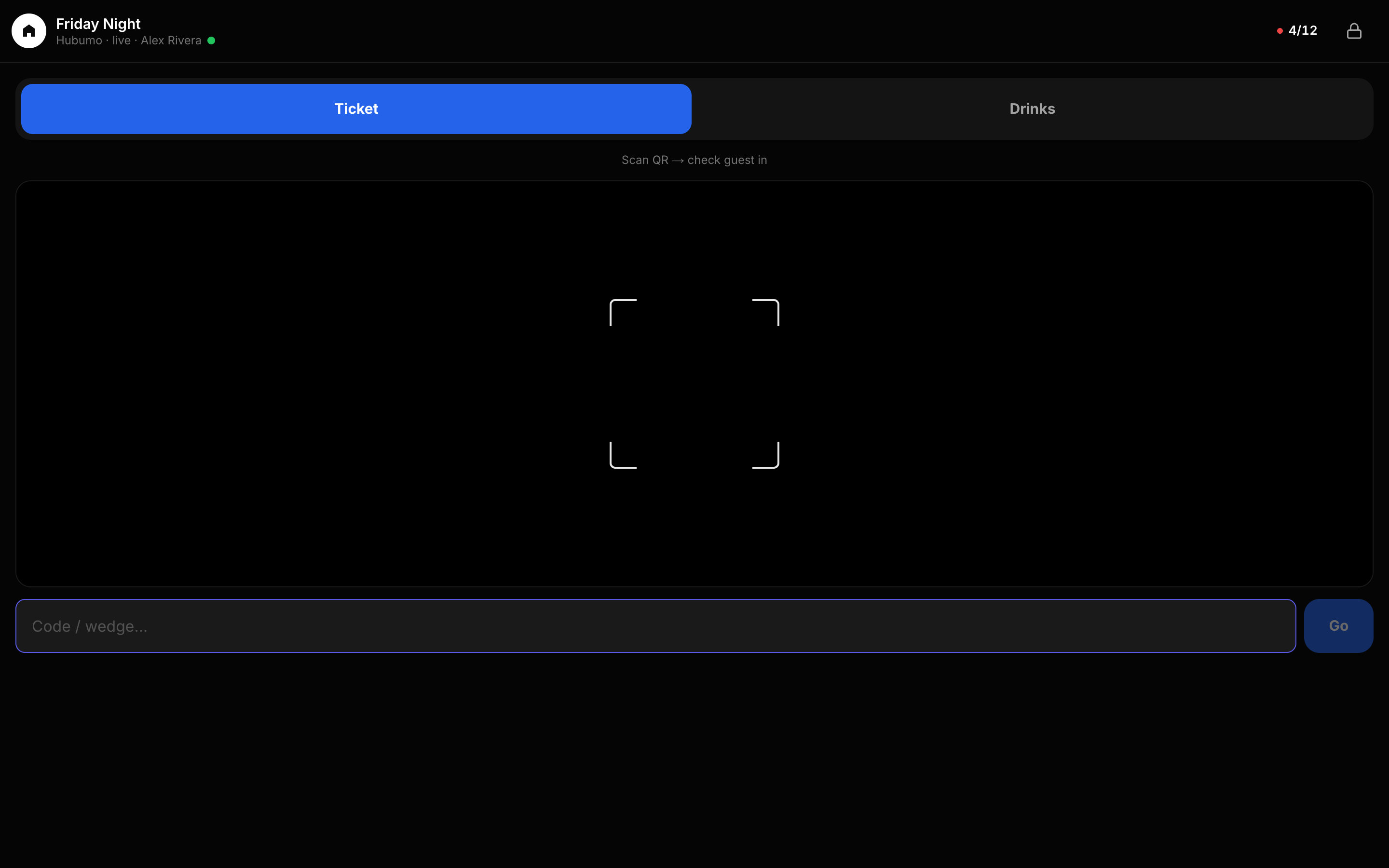
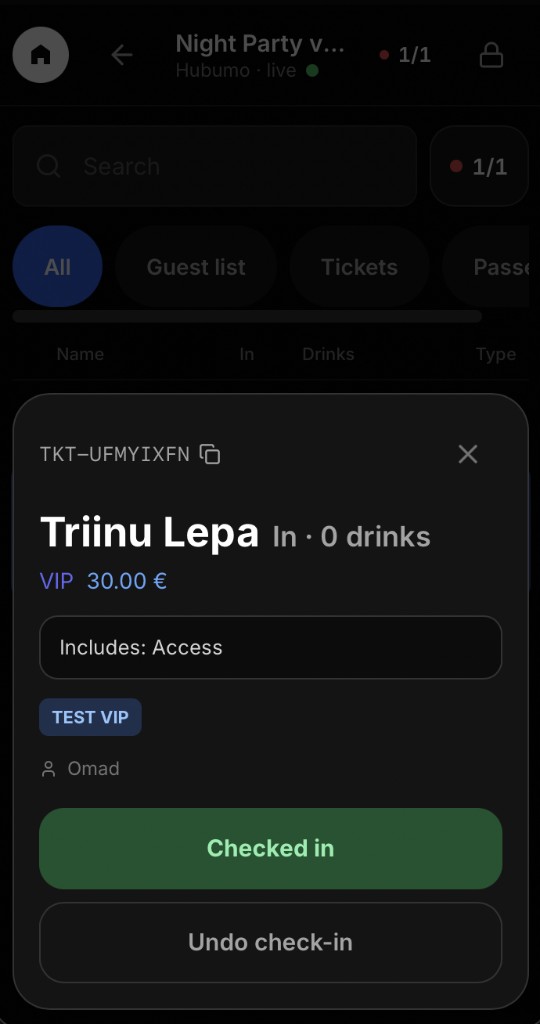
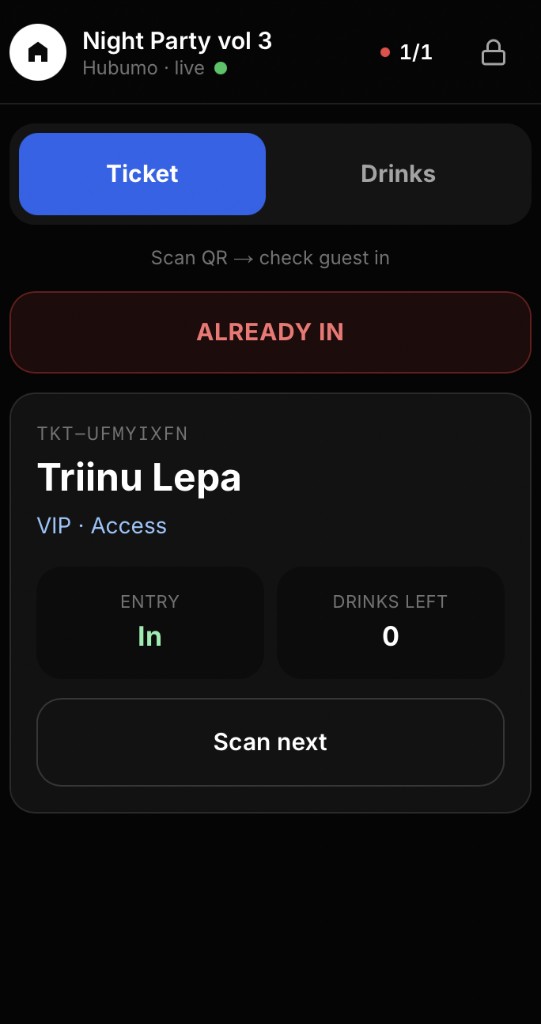
Scan the guest’s QR code to check them in. The guest card shows the ticket code, name, ticket type, entry status, and remaining included drinks. If the same code is scanned again, the system shows Already checked in. Scanning the next guest clears the previous guest’s details. You can also open a guest from the list to view their check-in status or undo a check-in.
Drink redemption and sales
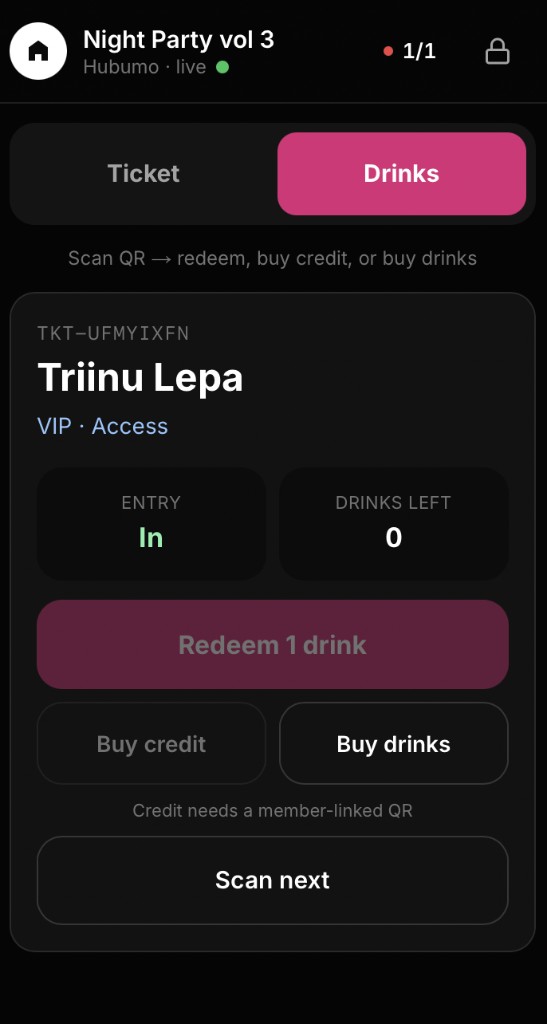
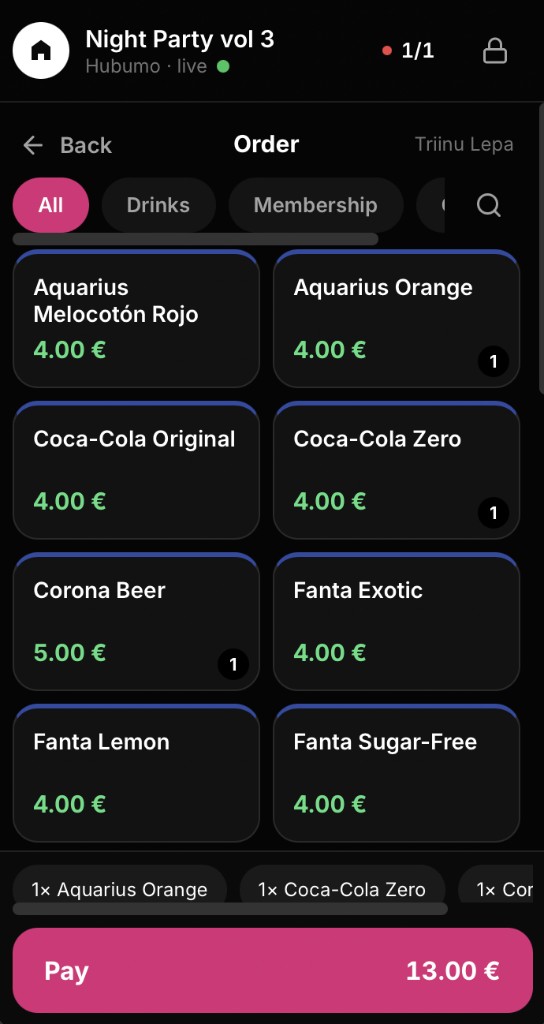
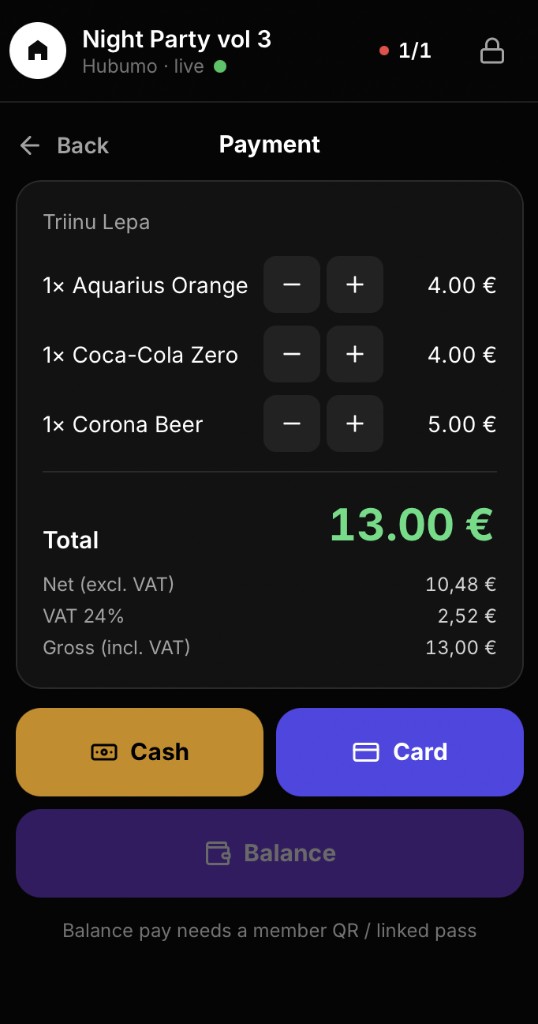
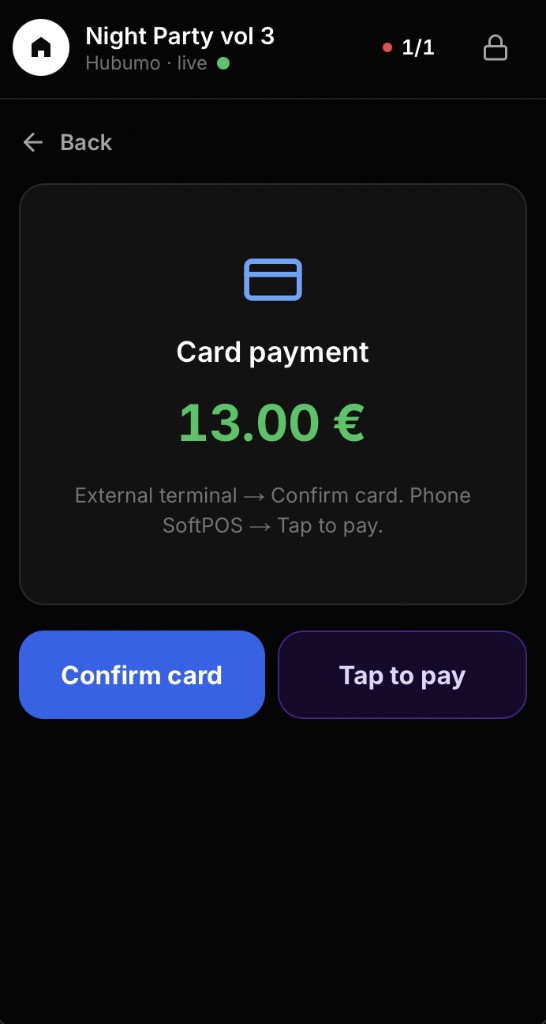
Scan the guest’s QR code to redeem an included drink, add drink credit, or sell additional drinks. Redeeming one drink deducts it from the guest’s included drink allowance. To sell drinks, browse the live Catalogue by category, add products to the order, and take payment. Payment can be made by cash, card, or an available member balance. Card payments can use an external terminal or Tap to Pay on a paired device. Credit and member balance require a QR code linked to a member account.
Guest list and ticket sales
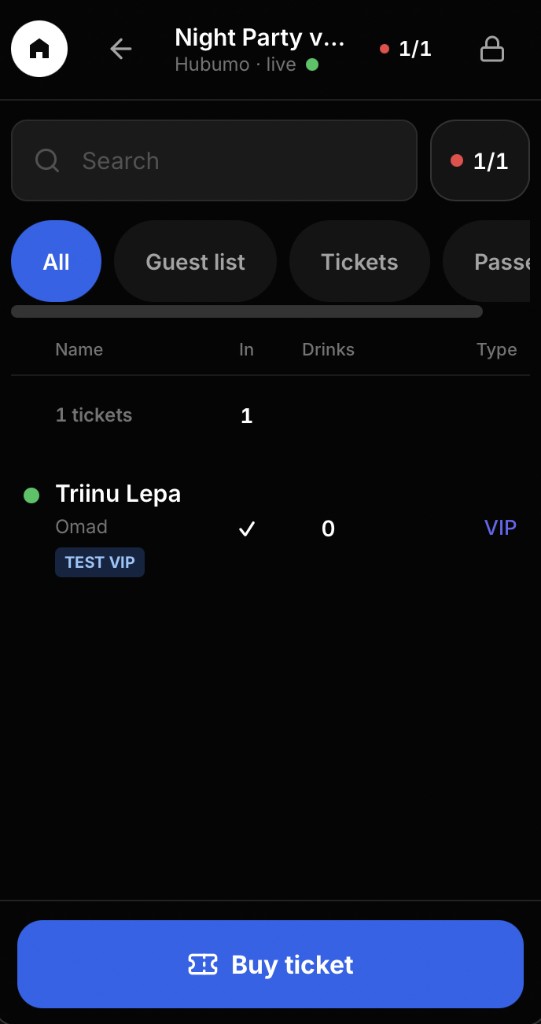
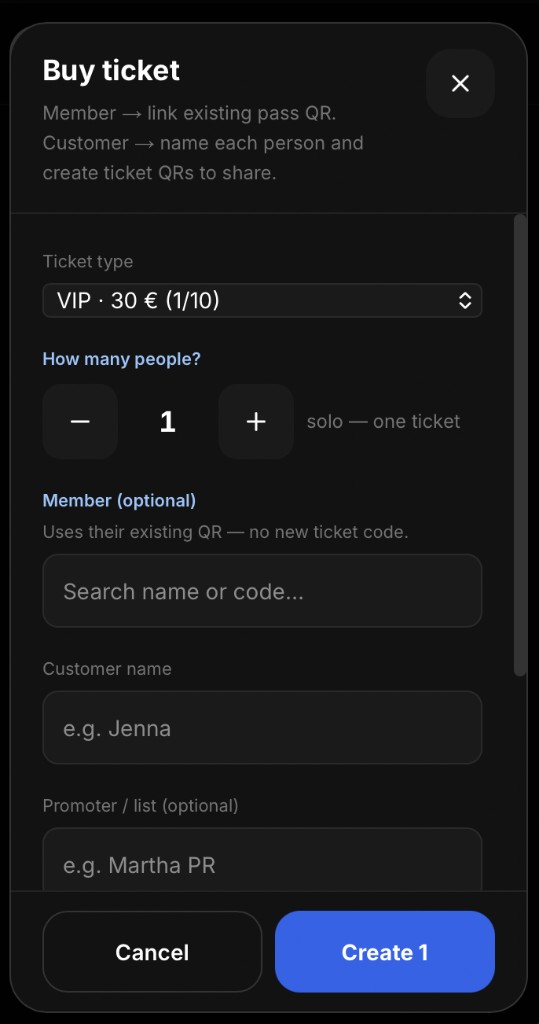
Search the list and filter by All, Guest List, Tickets, or Passes. To sell a ticket, choose the ticket type and number of attendees, then optionally link an existing member or enter the customer’s name and promoter or guest-list details. Members use their existing QR code, so no new ticket code is created. After the sale, you can copy or share the new QR codes through WhatsApp or another sharing option.
Active events and always-on access
The header shows Live after an event is set to Live. Event tickets can be scanned only while the event is active. Guest passes and member passes remain scannable even when no event is live, so the scanner remains available for always-on access.