Self-register
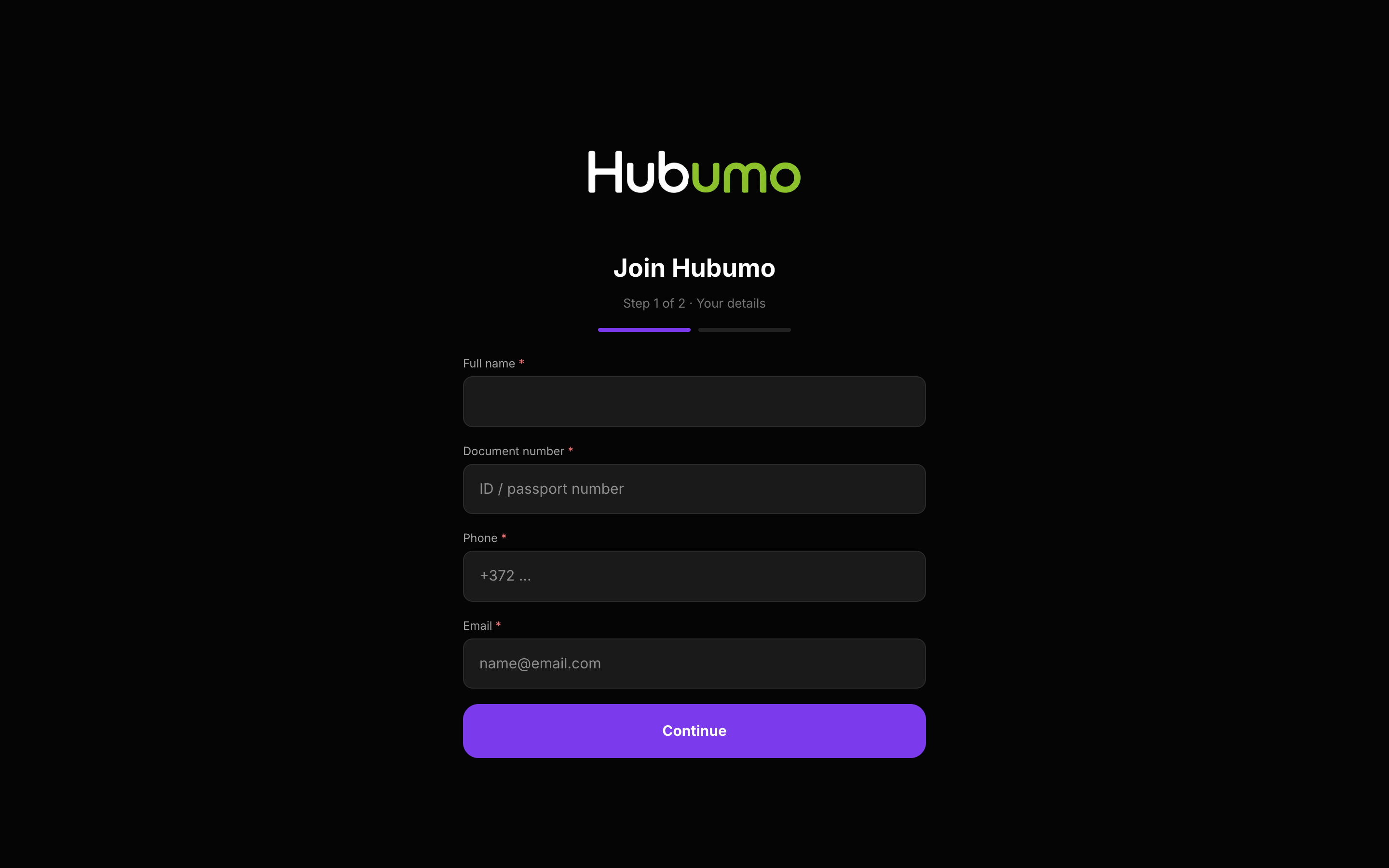
Share your Join link. Guests submit ID details and photos. They land in Pending until staff approve — then the membership email can go out automatically.
Members are regulars with a unique code and QR. Guests self-register on Join (docs + photos), or staff create them on POS / Manager and scan a QR so a phone captures ID front/back while the form stays open. Manager approves and can auto-email the pass. Active / Pending / Inactive tabs — inactive codes are blocked everywhere. Balance and discount apply on the till.
Concrete capabilities from the live Hubumo build — not a generic feature list.
Share your Join link. Guests submit ID details and photos. They land in Pending until staff approve — then the membership email can go out automatically.
POS or Manager New member shows a QR. Guest (or staff) scans with a phone, takes front and back ID photos, and thumbnails appear on the register instantly — typed name, phone and email never reset.
Deactivate hides the member from every POS, waiter and door search and invalidates the QR and wallet lookups until you Activate again. Pending registrations stay in their own tab.
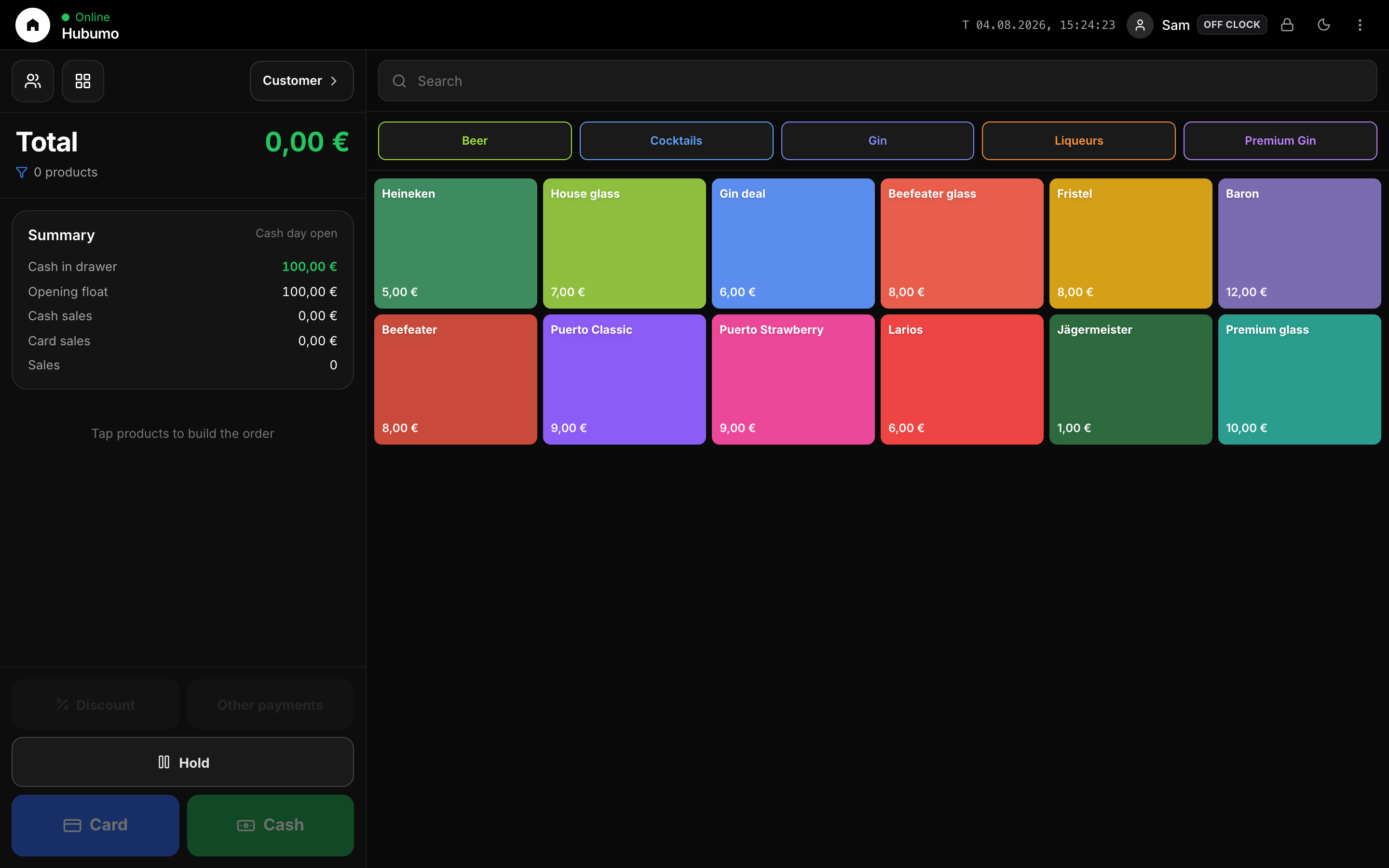
Attach a member to the POS check for discount and balance. Customer opens offers when that pack is enabled; otherwise Customer still finds/creates members.
Guest Join, or staff create + phone QR photos.
Manager → Members → Pending → Approve.
Pass email / Add to Apple or Google.
Scan/search on POS, waiter or door.
If needed — QR and searches stop until Activate.
UI previews of the real surfaces — till, door, manager, displays — so you can see options and steps before opening the app.
Log in to Manager to run the night, or browse every other module from the full features list.