Why it exists
Door and bar staff should not type ID numbers from paper. Guests fill once on Join, or staff start the form on the till and the phone takes the photos — then you approve on a tablet and the pass is ready.
The join page is the branded public entry for new members. All fields are required — identity, contact, and document photos. When staff register someone on POS or Manager instead, a phone QR capture page does the same front/back photos. Submissions wait in Manager Pending until staff approve or reject.
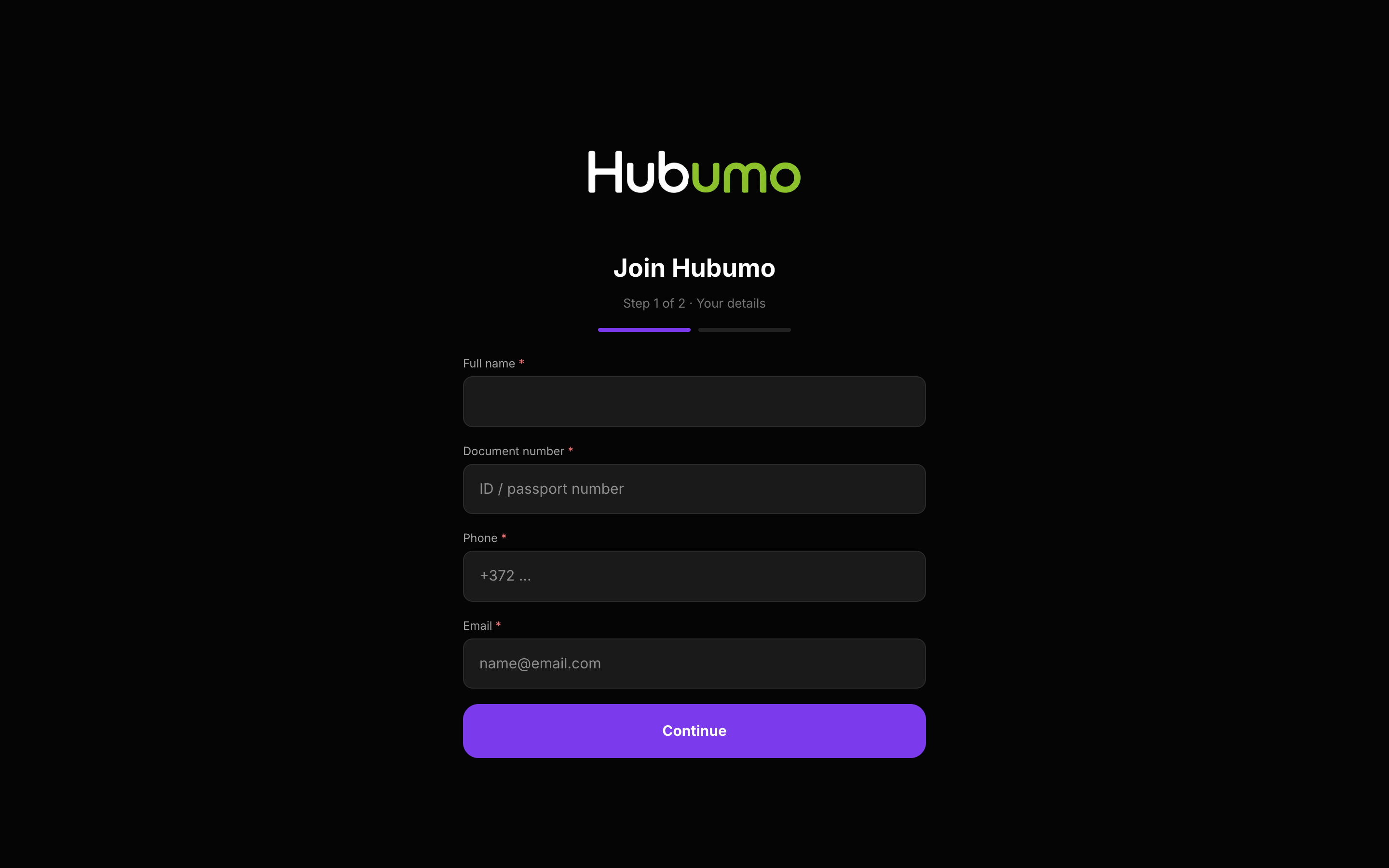
Concrete capabilities from the live Hubumo build — not a generic feature list.
Door and bar staff should not type ID numbers from paper. Guests fill once on Join, or staff start the form on the till and the phone takes the photos — then you approve on a tablet and the pass is ready.
Share your venue Join link with guests.
All fields + photos required.
Manager → Members → Pending.
UI previews of the real surfaces — till, door, manager, displays — so you can see options and steps before opening the app.
Log in to Manager to run the night, or browse every other module from the full features list.