Logo vs App mark
Logo is for guests and SoftPOS. App mark is Manager sidebar and TV chrome. Empty slots fall back to Hubumo defaults.
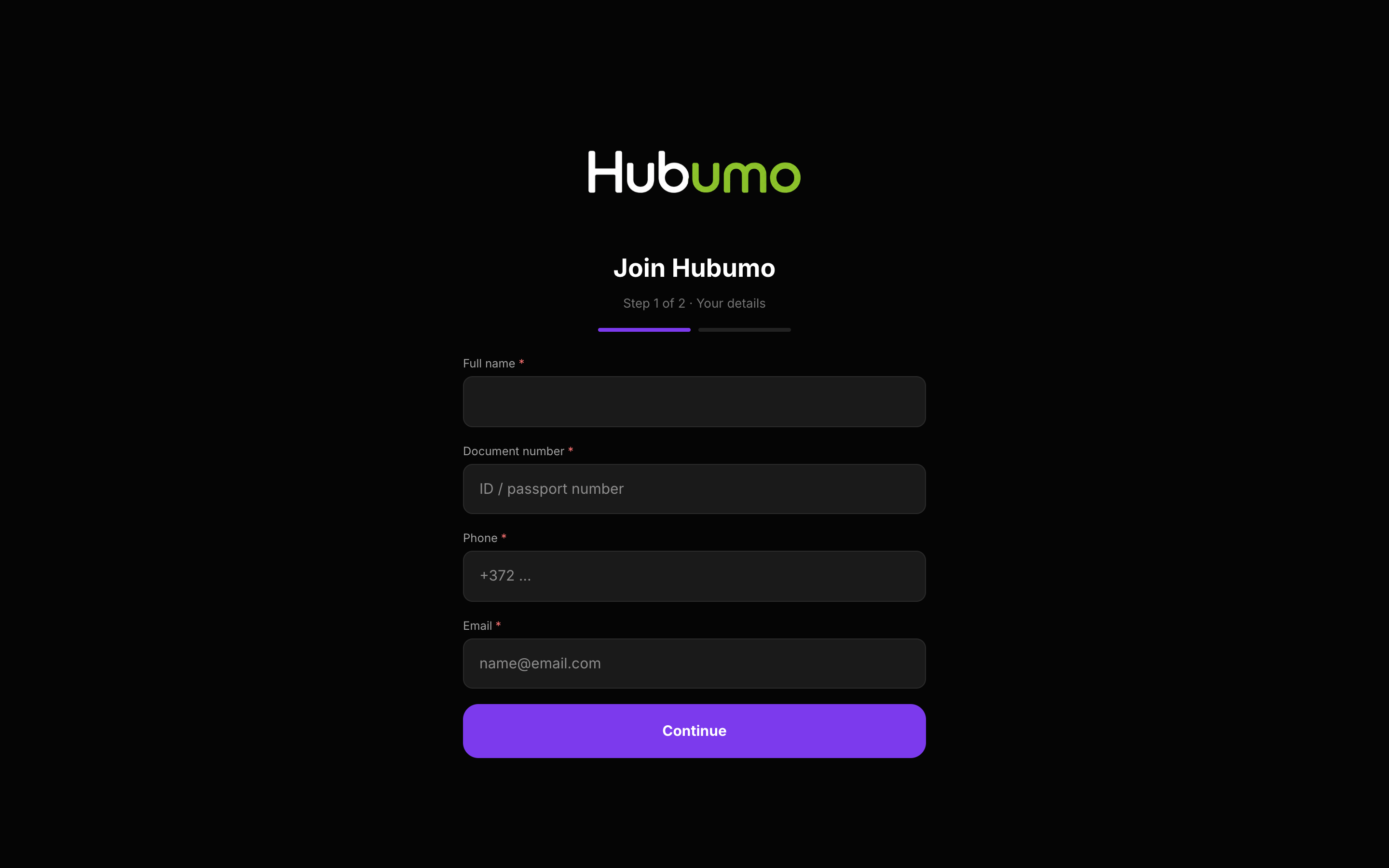
Settings branding: separate Night/Day Logo (Join, passes, emails, SoftPOS splash) and App mark (Manager + TV). SMTP sends receipts and pass email. Digital passes add to Apple / Google Wallet.

Concrete capabilities from the live Hubumo build — not a generic feature list.
Logo is for guests and SoftPOS. App mark is Manager sidebar and TV chrome. Empty slots fall back to Hubumo defaults.
Configure SMTP once — receipts and membership pass email use it. Wallet passes use the same member code as QR.
Settings → Logo / App mark Night + Day.
Settings → SMTP for outbound mail.
Approve member → pass email / Add to Wallet.
Real Hubumo screens from this module — each image shows a distinct workflow, not a repeated shot.
Tell us about your venue, your locations, and what you want to improve. A member of the Hubumo team will contact you shortly.